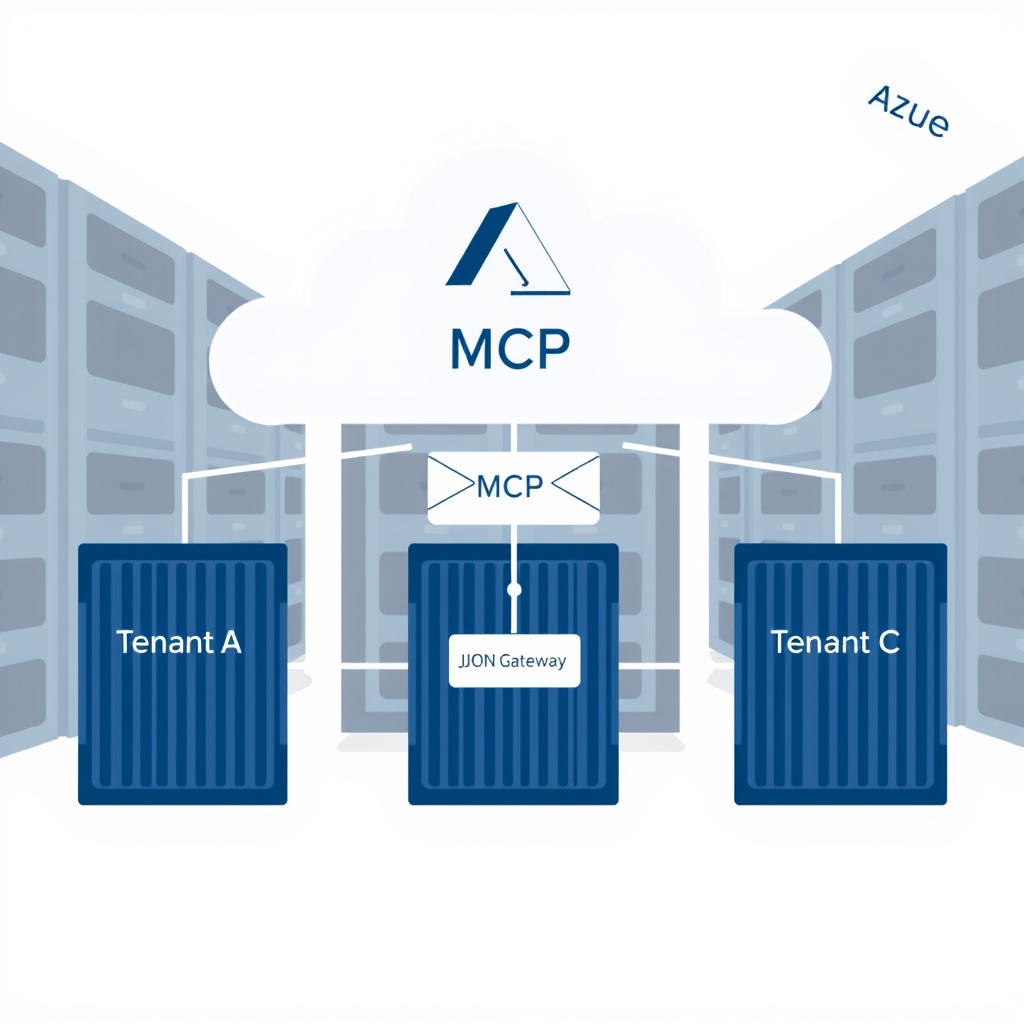
Designing a Scalable Multi-tenant MCP Server for SaaS Platforms
Quick Answer
Explore a production‑ready multi-tenant MCP server design that balances isolation, security, and Azure‑scale for modern SaaS platforms.
Quick Answer
Explore a production‑ready multi-tenant MCP server design that balances isolation, security, and Azure‑scale for modern SaaS platforms.
One‑Tenant‑Per‑Process Myth Crumbles
In a production SaaS that started with a handful of customers, the temptation is to spin a single LLM worker per tenant. That model looks clean, but it hides a cascade of hidden costs and failure surfaces. When a 10,000‑tenant platform goes live, the naive isolation strategy turns into a maintenance nightmare:
- Each tenant’s process consumes a fixed 2 GiB of RAM, so the cluster swells linearly with users.
- Process creation is expensive (hundreds of milliseconds), inflating cold‑start latency for every new tenant.
- There’s no shared cache, so prompt embeddings and token counters are duplicated per tenant, blowing up storage and increasing read latency.
- GPU sharing becomes a bottleneck; a single tenant that spikes traffic can hog the GPU, starving others.
These symptoms surface as cross‑tenant latency spikes, unpredictable GPU utilization, and cost overruns that are hard to trace back to a single tenant.
Real‑World Example: A 12‑Month Roll‑Out of a 10K‑Tenant MCP Platform on Azure
Company X built an AI‑first SaaS that needed a multi‑tenant MCP server to serve custom chatbot workflows. The stack was:
- Front‑end: Azure Front Door + WAF, JWT issued by Azure AD B2C (claim
tid). - Orchestration: Azure Container Apps (ACA) with a shared stateless worker pool.
- Worker: .NET 8 microservice, each container limited to 2 GiB memory and 1 vCPU.
- Per‑tenant Redis Enterprise for quota, prompt cache, and API key rotation.
- Per‑tenant Azure Cognitive Search index for vector similarity.
- LLM: Azure OpenAI gpt‑4‑turbo, API key stored in Key Vault and cached per container.
Key metrics after 12 months:
| Metric | Value |
|---|---|
| p95 request latency | 420 ms |
| Token cost reduction via caching | 32 % |
| Peak concurrent tenants | 9,800 |
| GPU memory per tenant | ≤ 12 % of total |
| On‑call incidents due to quota bleed | 0.2 % |
These numbers are attainable only when isolation is baked into the MCP envelope, the runtime, and the Observability stack from day one.
Trade‑Offs: Process vs Thread vs Container Isolation
Choosing the right isolation level is a classic design decision that trades security, cost, and performance. Below is a pragmatic comparison that reflects what we saw in production:
| Isolation | Memory Footprint | Cold‑Start | Security Boundary | Cost / Scale |
|---|---|---|---|---|
| Process per tenant | 2 GiB + overhead | ≈ 200 ms | Strong, but no shared cache | Linear scaling; high ACI cost |
| Thread pool per tenant | Shared 2 GiB + per‑thread stack (256 kB) | ≈ 50 ms | Weaker – static state can leak | Better than process, but still high per‑tenant memory |
| Container per tenant (ACA) | 2 GiB + container overhead (~10 %) | ≈ 30 ms | Strong – cgroup limits + network isolation | Excellent cost‑to‑performance; auto‑scale per region |
In practice, container isolation with a shared stateless worker pool hits the sweet spot: it gives you a hard memory boundary, lets you reuse prompt caches, and keeps cold‑start latency low enough for interactive workloads.
Tenant Size, Isolation, and Throttling
- Define tenant size & burst profile. If a tenant can generate > 10 k requests per minute, you need hard cgroup limits.
- Choose container isolation if: you need per‑tenant GPU quotas, want to use Azure Managed Identities per tenant, and want to keep cost linear.
- Use shared stateless workers only if: you have a very high tenant density (≥ 50 k) and can tolerate shared cache pollution.
- Implement a two‑tier throttling model: soft tier in Redis (leaky bucket) + hard tier via cgroup limits.
- Automate scaling: use ACA’s event‑driven scaling on Azure Metrics (CPU, request count) and set min/max per region.
- Observability: instrument per‑tenant latency, token usage, cache hit ratio, and throttle events.
- Security: always validate
tenantIdin the MCP envelope against the JWTtidclaim before any downstream call.
When This Fails in Production
- Stale quota cache: A 5‑minute TTL on the Redis key that tracks per‑tenant GPU quota caused a burst of traffic from a new tenant to exceed the GPU budget. The OOM killer killed a container belonging to a different tenant, leading to a cascade of 429s.
- Prompt injection via function names: A malicious tenant sent a function called
DeleteAllKeys. The worker matched it against a shared helper and executed it, wiping the tenant’s own Redis namespace. - Container memory fragmentation: Over time, the cgroup memory limit was hit, but the OOM killer chose a container with a long‑running background task instead of the one that was actively using GPU memory, causing unrelated tenant requests to fail.
- Telemetry overload: Per‑request logs were sent to Azure Log Analytics without sampling, pushing the cost 3× and saturating ingestion pipelines.
- Key Vault throttling: Fetching per‑tenant API keys on each request hit the 5 k req/s limit, causing 503s from Key Vault.
Common Mistakes Engineers Make
- Embedding
tenantIdonly in HTTP headers, not in the MCP envelope; downstream services that rely on the MCP can bypass the header check. - Using a single Redis database for all tenants without key prefixes; this leads to accidental data leakage and cache stampedes.
- Not configuring
memory.highandmemory.lowcgroup thresholds; the OOM killer ends up killing the wrong container. - Ignoring the cost of per‑tenant Azure Cognitive Search indexes; a naive one‑index‑per‑tenant strategy can explode the index count and storage cost.
- Failing to sample telemetry; sending every request payload to Log Analytics inflates costs and hampers real‑time alerting.
Better Approach Based on Experience
- Enforce tenant identity in the MCP contract. The
tenantIdfield must be signed by the same JWT that authorizes the request. Reject any request where the two do not match. - Use per‑tenant Redis databases. Allocate a dedicated database per region and use
DB 0‑Nfor each tenant; this isolates cache traffic and simplifies key rotation. - Cache API keys in Redis with a 30‑second TTL. This eliminates Key Vault throttling while still allowing key rotation.
- Leverage Azure Managed Identities per tenant. Grant each container only the secrets it needs; this reduces blast radius if a container is compromised.
- Apply a hybrid cache strategy. Store common prompts in a shared Redis cache keyed by a hash of
tenantId+promptHash, but keep tenant‑specific embeddings in a per‑tenant vector store. - Implement dynamic scaling rules that trigger on per‑tenant request rate spikes; use Azure Monitor alerts to spin up additional containers before the GPU becomes saturated.
- Enable structured logging with sampling. Use a 5 % sample for non‑error paths and ship only the essential fields (tenantId, latency, token count).
Performance Considerations & Scaling Notes
- Tokenization overhead: Offload tokenization to a pre‑warmed .NET worker; avoid per‑request Python calls to the OpenAI tokenizer.
- GPU scheduling: Use Azure Batch or Kubernetes GPU nodes with fair‑share scheduling; set
GPU_MEMORY_LIMITper container to enforce hard quotas. - Cold start mitigation: Pre‑warm 5 % of containers per region and keep a pool of “warm” containers that can be promoted to handle a burst.
- Autoscaling thresholds: Set CPU
>80 %and request rate>200 rpsper container as the trigger; keep a buffer of spare containers to absorb sudden spikes. - Latency budgets: Target
p95 < 500 msfor user‑facing requests; if the GPU latency exceeds 300 ms, fall back to a lower‑cost model (e.g., gpt‑3.5). - Cost per token: Monitor token cost per tenant and auto‑scale the GPU quota when a tenant exceeds 80 % of its allocated budget.
Checklist for Shipping a Multi‑Tenant MCP Service
- Embed
tenantIdandpolicyVersionin the MCP envelope. - Validate JWT
tidagainst the MCPtenantId. - Configure cgroup limits:
memory.limit_in_bytes,memory.high,memory.lowper container. - Deploy Redis Enterprise with dedicated databases per region; store quota, prompt cache, and API keys.
- Set up Azure Front Door with WAF rules that block oversized payloads (> 8 KB).
- Instrument OpenTelemetry: per‑tenant latency, token usage, cache hit/miss, throttle events.
- Automate integration tests that simulate 10 k concurrent tenants with mixed workloads.
- Enable rolling deployments in ACA; health‑check must verify tenant‑specific key access.
- Establish a cost‑monitoring dashboard that alerts when a tenant exceeds 80 % of its token budget.
- Document the failure‑mode checklist (stale cache, OOM kills, telemetry overload, etc.) for on‑call engineers.
Conclusion: Isolation as a First‑Class Design Principle
In a multi‑tenant MCP server, isolation is not an after‑thought; it must be encoded in the protocol, enforced in the runtime, and surfaced in observability from day one. The trade‑offs between process, thread, and container isolation are clear when you look at memory, cost, and security. By following the decision guide above, you can build a platform that scales to tens of thousands of tenants, keeps GPU usage predictable, and stays within a tight cost envelope—all while remaining maintainable and auditable.
Related Articles
- AI Orchestration for Enterprise .NET Applications: Scaling Intelligent Agents with Azure
- Designing a Multi-Tenant KV-Cache Layer in ASP.NET Core for Scalable Inference Serving
- Observability for LLM Apps in ASP.NET Core: Trace First, Metrics
- Designing a Distributed Task Queue Architecture for Code Execution at Scale
- Fine‑Tune vs Prompt vs RAG Decision Framework for .NET Teams – Choose the Right LLM Strategy