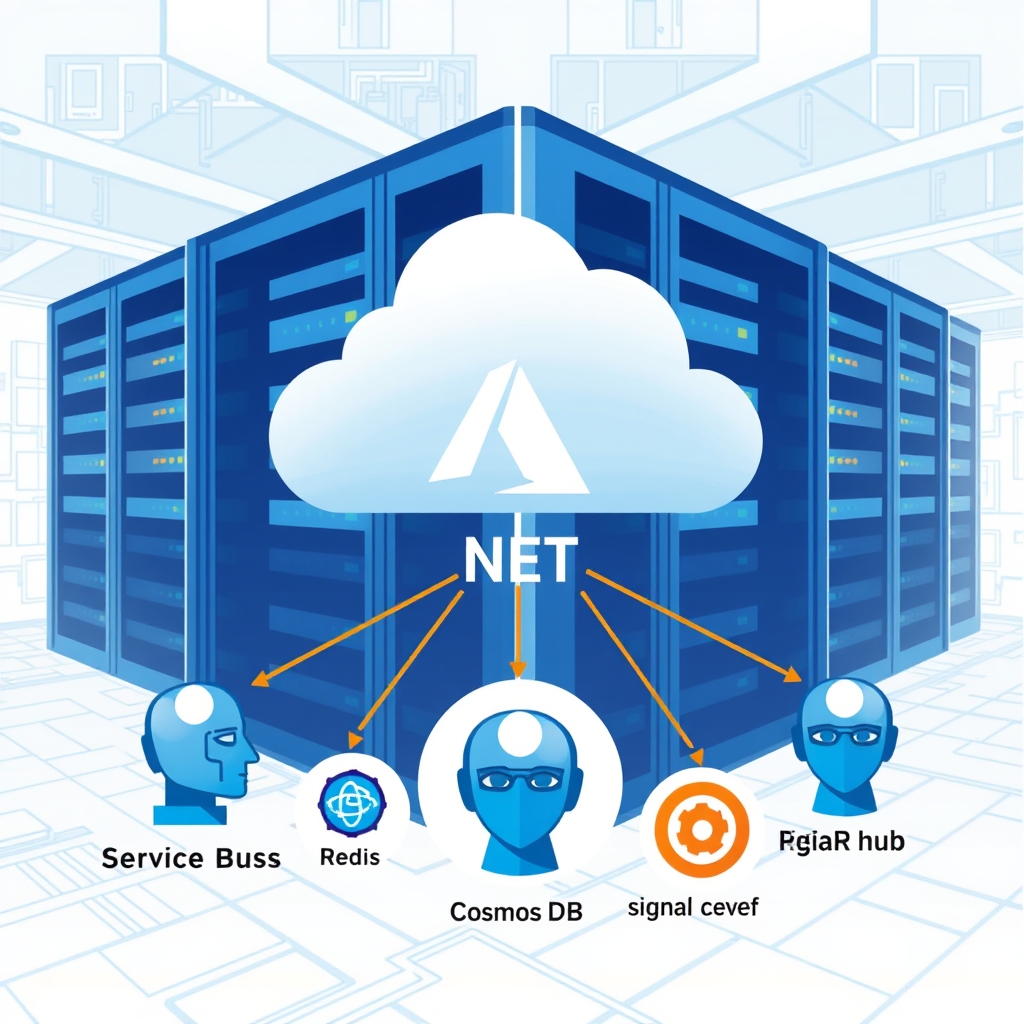
AI Orchestration for Enterprise .NET Applications: Scaling Intelligent Agents with Azure
Quick Answer
AI orchestration adds a disciplined layer to .NET apps, coordinating agents, caching, state, and compliance to reduce latency, cost, and hallucinations.
Quick Answer
AI Orchestration for Enterprise .NET Applications: AI orchestration adds a disciplined layer to .NET apps, coordinating agents, caching, state, and compliance to reduce latency, cost, and hallucinations.
AI Orchestration for Enterprise .NET Applications – A Production‑Ready Playbook
Scaling Pitfalls of Single-Request AI Calls
In many .NET shops the first step to “add AI” is to fire a single HttpClient request from a Razor page. That works for a handful of users, but as traffic grows the pattern quickly turns into a latency, cost, and reliability nightmare. The root cause isn’t the LLM – it’s the absence of a disciplined orchestration layer that can coordinate agents, cache prompts, persist state, and enforce compliance.
When you look at the stack, the pain points are clear:
- Unpredictable token usage and cost spikes
- Inconsistent latency across users and regions
- Hallucinated results that break downstream business logic
- Duplicated retry and state‑management code in every microservice
- Hard‑coded secrets and opaque audit trails
Real‑World Example
Consider the U.S. retail platform that added a product‑price‑alert feature. The initial prototype wired a Razor page directly to GPT‑4. Within a few days the service hit 10 k concurrent users, token costs blew past the budget, and the model started hallucinating prices. The team eventually built a lightweight orchestration layer that:
- Cached the last known price in Redis to avoid duplicate LLM calls.
- Persisted price history in Cosmos DB for audit and compliance.
- Enforced a
maxTokensPerConversationpolicy to keep costs predictable. - Used Azure Service Bus for long‑running workflows and SignalR for real‑time alerts.
Result: latency dropped from 1.2 s to < 150 ms per SKU, token usage fell 40 %, and the feature survived a 50× traffic spike during a holiday sale.
Trade‑offs
Every architectural decision in AI orchestration comes with a cost. Below are the key trade‑offs you’ll face and how to evaluate them:
| Decision | Pros | Cons |
|---|---|---|
| Redis cache‑aside vs. write‑through | Fast reads, low latency, cheap for hot data. | Stale reads possible; requires careful invalidation. |
| Service Bus vs. Azure Functions (Event‑Grid) | Strong ordering guarantees, durable queues. | Higher operational overhead; scaling requires multiple workers. |
| Azure AI Foundry plug‑ins vs. raw OpenAI endpoint | Model‑agnostic, versioning, policy enforcement. | Additional abstraction layer; slight latency overhead. |
In practice, the “right” choice depends on your latency tolerance, cost sensitivity, and compliance needs. For example, a SaaS chatbot with a strict SLA will lean heavily into write‑through and Azure Service Bus, whereas an internal data‑pipeline might accept a cache‑aside approach to keep costs low.
Orchestration Stack Selection Matrix
Use this quick matrix to decide on the core primitives of your orchestration stack:
- Latency < 200 ms, high throughput → gRPC microservices + Redis cache‑aside.
- Durability & audit required → Cosmos DB + write‑through or Azure Table Storage.
- Event‑driven long‑running workflow → Azure Service Bus + Durable Functions or a custom workflow engine.
- Multi‑tenant isolation → Per‑tenant Service Bus namespaces, Key Vault scopes, tenant‑scoped Redis keys.
- Cost control & token budgeting → Prompt caching + batch inference + token‑usage alerts in Azure Monitor.
Iterate on this matrix as you surface new constraints – the goal is a lightweight, composable orchestration layer that can evolve with your AI strategy.
When This Fails in Production
- State drift between services – if the cache and DB get out of sync, you’ll see inconsistent results. Mitigate with optimistic concurrency or periodic reconciliation jobs.
- Idempotency gaps – duplicate Service Bus messages can double‑process a workflow. Use a distributed lock or a unique message ID in the DB.
- Unbounded token growth – a poorly designed prompt can trigger runaway token usage. Enforce a hard cap on
max_tokensper request and log over‑usage. - Cold start latency – containerized agents can suffer >500 ms cold starts under load. Keep a pool of warm instances or use Azure Container Apps with pre‑warm settings.
- Key Vault rate limits – fetching secrets per request can throttle your services. Cache secrets in memory with a short TTL and rotate asynchronously.
Common Mistakes Engineers Make
- Hard‑coding API keys in code or environment variables without rotation.
- Treating every LLM call as a single request – ignoring batching and prompt reuse.
- Assuming a monolithic “AI service” can scale the same way as a typical REST API.
- Neglecting observability – no spans for each model call, no token‑usage metrics.
- Ignoring tenant isolation when building a SaaS chatbot – leading to data leakage.
Better Approach Based on Experience
From a handful of production deployments I’ve seen a pattern emerge that balances performance, cost, and maintainability:
- Define a thin agent interface that hides the underlying LLM provider and exposes
ExecuteAsyncwith a deterministic context object. - Implement a plug‑in system using Azure AI Foundry’s
IModelProvidercontract so you can swap GPT‑4 for an internal fine‑tuned model with zero code changes. - Cache prompts aggressively – store a hash of the prompt + model ID in Redis with a 24 h TTL. Use this to skip the LLM entirely for repeat queries.
- Batch inference for bulk workloads – for example, price extraction across thousands of SKUs, send a single
/v1/chat/completionsbatch request. - Use write‑through for critical state – price alerts, user preferences. Write to Cosmos first, then to Redis, guaranteeing consistency.
- Instrument every LLM call with OpenTelemetry spans and Azure Monitor metrics. Alert on token spikes and latency outliers.
- Adopt idempotent Service Bus consumers – lock on a composite key (workflowId + step) to avoid duplicate processing.
- Apply tenant isolation at every layer – separate Service Bus namespaces, Redis key prefixes, and Key Vault scopes.
Implementing this stack in a few weeks rather than months yields a resilient, cost‑controlled AI orchestration layer that can be extended to new agents or new LLMs without touching the core plumbing.
Performance Considerations
- Latency targets – aim for < 200 ms per user request. Achieve this with gRPC + Redis cache‑aside, and keep the LLM call < 100 ms by batching or using smaller models.
- Throughput scaling – use Kubernetes or Azure Container Apps to autoscale agents based on CPU or request queue length.
- Token budgeting – enforce a hard cap on
max_tokensper request and log any over‑usage. This keeps cost predictable. - Observability – collect
latency_msandtoken_countper span; aggregate in Azure Monitor and alert on > 20 % spike.
Scaling Notes
When scaling a production AI orchestration layer, keep these rules in mind:
- Spin up dedicated agent containers for high‑frequency workflows; keep the container image small (< 200 MB) to reduce cold‑start times.
- Use Azure Cosmos DB’s multi‑region writes for global reach, but cache hot data in Azure Cache for Redis to avoid cross‑region latency.
- Leverage Azure Service Bus partitions for parallel processing, but guard each partition with a distributed lock to preserve exactly‑once semantics.
- Implement a health‑check endpoint that verifies connectivity to both the LLM provider and the state store; surface failures early in the request pipeline.
What does AI orchestration add to a .NET application?
It introduces a dedicated layer that coordinates agents, caches prompts, persists state, and enforces compliance, turning raw LLM calls into scalable, cost‑controlled workflows.
How can token cost spikes be prevented in a production .NET AI service?
Use a maxTokensPerConversation policy, cache prompts, batch requests, and enforce hard caps on token usage while monitoring via Azure Monitor.
Which stack gives sub‑200 ms latency for high‑throughput AI workloads in .NET?
gRPC microservices with a Redis cache‑aside for hot data, coupled with Azure Service Bus or Durable Functions for long‑running workflows.
How do you guarantee idempotency across Service Bus consumers?
Assign a unique workflowId+step key, store it in Cosmos DB, and lock on that key before processing; retry logic should check for existing entries.
What observability tools should be integrated for AI calls in .NET?
Instrument each call with OpenTelemetry spans, capture latency_ms and token_count, push metrics to Azure Monitor, and alert on token spikes or latency outliers.
What to Ship
- Deploy a Durable Functions orchestrator that queues AI calls via an activity function, enabling exponential‑backoff retries for each activity.
- Wrap each AI activity with Polly’s circuit‑breaker: break after 5 consecutive failures and reset after 30 s, logging each failure to Azure Monitor.
- Cache frequently used prompt‑response pairs in Azure Cache for Redis with a 15‑minute TTL and an LRU eviction policy to cut down on repeated AI calls.
- Expose a
/healthendpoint that runs a lightweight orchestrator job and verifies the AI service returns a 200 OK; return 500 if it fails. - Add middleware that rejects any request exceeding a 2048‑token limit with a 413 Payload Too Large response.
- Configure a fallback: after 3 failed AI retries, return a canned apology message and enqueue the incident in an Azure Storage Queue for later analysis.
Related Articles
- Agentic AI Customer Support Platform Architecture: A Production‑Ready Design Walkthrough
- AI Architecture Transition from Prototype to Production: A Senior Engineer’s Playbook
- Context length cost for .NET developers: Why your prompts are draining the budget
- Scalable Guardrail Service ASP.NET Core Kubernetes: Architecture, Code, and Ops
- Designing a Multi-Tenant KV-Cache Layer in ASP.NET Core for Scalable Inference Serving
Frequently Asked Questions
What does AI orchestration add to a .NET application?
It introduces a dedicated layer that coordinates agents, caches prompts, persists state, and enforces compliance, turning raw LLM calls into scalable, cost‑controlled workflows.
How can token cost spikes be prevented in a production .NET AI service?
Use a maxTokensPerConversation policy, cache prompts, batch requests, and enforce hard caps on token usage while monitoring via Azure Monitor.
Which stack gives sub‑200 ms latency for high‑throughput AI workloads in .NET?
gRPC microservices with a Redis cache‑aside for hot data, coupled with Azure Service Bus or Durable Functions for long‑running workflows.
How do you guarantee idempotency across Service Bus consumers?
Assign a unique workflowId+step key, store it in Cosmos DB, and lock on that key before processing; retry logic should check for existing entries.
What observability tools should be integrated for AI calls in .NET?
Instrument each call with OpenTelemetry spans, capture latency_ms and token_count, push metrics to Azure Monitor, and alert on token spikes or latency outliers.