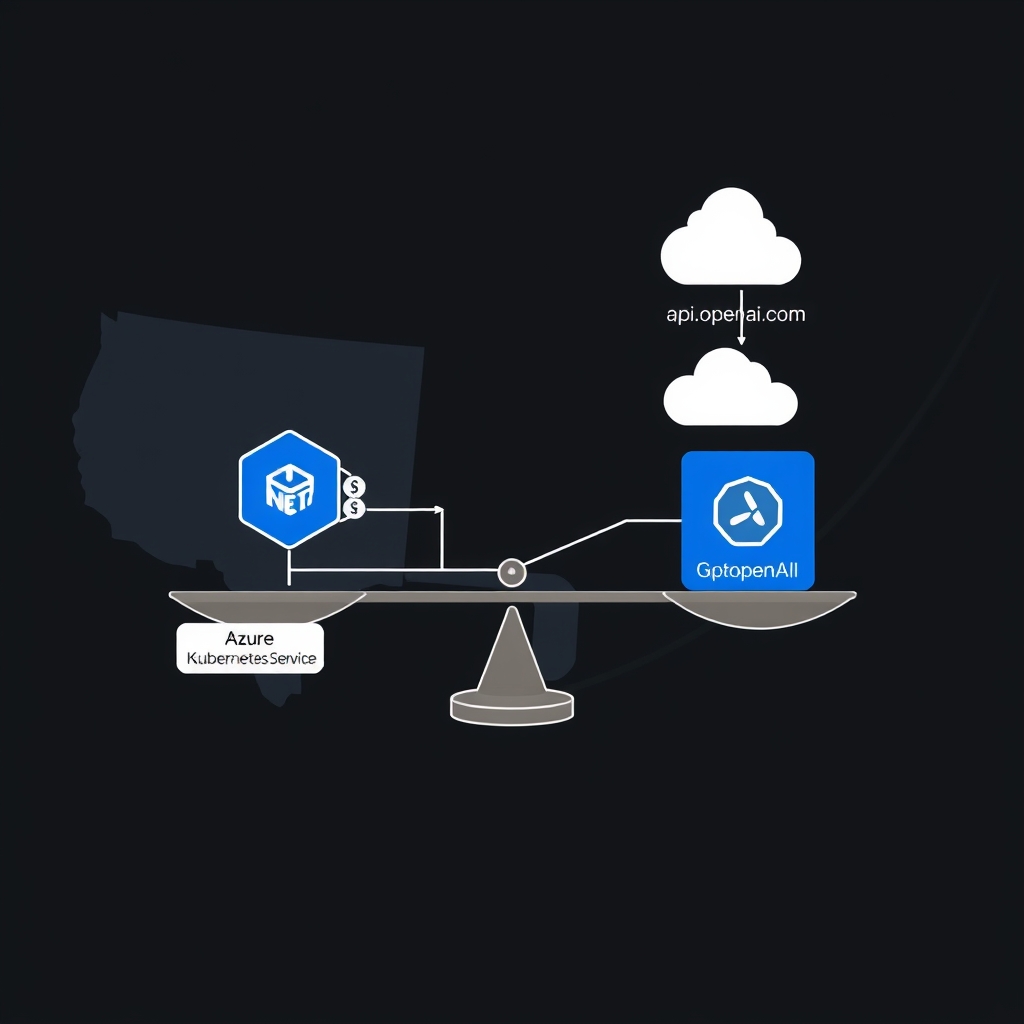
Azure OpenAI Service vs GPT‑4 API for .NET Microservices: A Deep‑Dive for Architects
Quick Answer
This guide compares Azure OpenAI Service and GPT‑4 API for .NET microservices, covering authentication, latency, compliance, pricing, and production patterns for low‑latency, cost‑predictable deployments.
Quick Answer
Azure OpenAI Service vs GPT‑4 API for .NET Microservices: This guide compares Azure OpenAI Service and GPT‑4 API for .NET microservices, covering authentication, latency, compliance, pricing, and production patterns for low‑latency, cost‑predictable deployments.
Azure OpenAI Service vs GPT‑4 API for .NET Microservices: A Production‑Ready Decision Guide
Token Churn, Compliance, Latency
When you add an LLM to a microservice, you quickly run into a hidden cost model that isn’t obvious from the SDK docs. It’s not the hallucination rate; it’s the interaction between your service mesh, token budget, and the platform’s throttling policies. Teams that treat the Azure OpenAI Service (AOAI) or the public GPT‑4 API as a drop‑in HTTP endpoint find themselves paying for token churn, dealing with opaque compliance gaps, and suffering unpredictable latency spikes.
Real‑World Example: Enterprise Chatbot in AKS
Consider a 200‑user internal knowledge‑base chatbot deployed on Azure Kubernetes Service (AKS). The service receives 1 k requests per minute, each request is a short user query that must be answered within 200 ms to keep the UI snappy. The team originally wired the chatbot directly to the public GPT‑4 endpoint using a raw HttpClient. Within two weeks they hit the following pain points:
- Token usage ballooned by 18% due to prompt template drift (extra newlines, missing context).
- Azure’s 429 responses started arriving after a 5 min burst during a marketing push, and the service had no back‑pressure mechanism.
- Compliance auditors demanded real‑time audit logs; the public endpoint’s logs were only available 15 min later.
- Cost projected $3k/month, but the actual spend hit $4.5k after the first burst.
Trade‑offs
Authentication & Secret Management
- AOAI: Azure AD + Managed Identity – no API key rotation, secrets live in the Azure platform.
- GPT‑4 API: Static API key – manual rotation, risk of accidental exposure if stored in source code.
In production, the managed identity approach removes a whole class of secrets‑management bugs. The trade‑off is a dependency on Azure AD, which can add a few milliseconds of latency if the token cache is cold.
Network Isolation & Latency
- AOAI Private Endpoint: Traffic stays on Azure backbone,
~80–120 mslatency for East US,~110–140 msfor India Central. - Public GPT‑4 API: 1–2 s round‑trip over the public internet; latency spikes during peak hours.
For a chatbot that must stay under 200 ms, the private endpoint is the only viable option at scale. The cost of a Private Link (≈$0.10 per GB) is negligible compared to the latency penalty.
Versioning & Rollout Flexibility
- AOAI: Deployments are named. You can have
gpt‑4‑v1andgpt‑4‑v2side‑by‑side and route 5% traffic to the new one via Front Door. - GPT‑4 API: A single
modelstring; changing it requires touching every client.
In a large organization with many microservices, the deployment‑by‑name model reduces the risk of accidental drift. The trade‑off is the extra configuration required in the service mesh.
Safety Filters & Compliance
- AOAI: Built‑in content moderation, Azure Policy integration, and audit logs that are queryable via Azure Monitor.
- GPT‑4 API: Separate moderation endpoint; you must audit and store logs yourself.
For regulated industries, the AOAI’s policy engine can enforce data residency and content filters at the resource level. The trade‑off is that the policy engine is still evolving and may need custom extensions.
Pricing & Reserved Capacity
- AOAI: Pay‑as‑you‑go plus reserved capacity (up to 30% discount). Reserved capacity also guarantees throughput.
- GPT‑4 API: Only pay‑as‑you‑go; no reservation.
When you predict a burst (e.g., a quarterly report launch), reserving capacity in AOAI can save 20–25% and eliminate 429 throttles. The trade‑off is the upfront commitment.
Operational Complexity
- AOAI SDK: Automatic retries, typed responses, telemetry hooks. Requires a
DefaultAzureCredentialcontext. - Raw HTTP: Full control, but you re‑implement retries, auth, deserialization, and telemetry.
For a production system that already uses HttpClientFactory, a thin wrapper around the raw HTTP client can be acceptable if you need experimental headers. Otherwise, the SDK is the safer, lower‑maintenance option.
Azure OpenAI vs GPT‑4: Key Decision Factors
| Decision Factor | Azure OpenAI Service | GPT‑4 API (OpenAI) |
|---|---|---|
| Authentication | Managed Identity – no secrets in code | API Key – manual rotation |
| Network | Private Link – < 150 ms | Public – 1–2 s |
| Versioning | Named deployments, canary routing | Global model string |
| Safety & Compliance | Policy engine, audit logs | Separate moderation, manual logs |
| Pricing Flexibility | Reserved capacity, guaranteed throughput | Only pay‑as‑you‑go |
| Operational Footprint | SDK + Azure Monitor | Raw HTTP + custom telemetry |
Rule of thumb: If your service requires < 200 ms latency, regulated data residency, or predictable cost, go with AOAI. If you’re prototyping in a sandbox and can tolerate higher latency, the public GPT‑4 API is a quick start.
When This Fails in Production
- Burst Throttling: Even with a private endpoint, a single pod can hit the per‑deployment quota, causing a cascading 429 storm. The result is exponential back‑off that pushes latency beyond SLA.
- Token Drift: A minor change in the prompt template (e.g., adding a newline) can add 10–15 tokens per request. Over thousands of requests, the cost jump is significant.
- Policy Mis‑configuration: Azure Policy can block entire categories of content. If the policy is too strict, the chatbot silently fails, returning empty responses or 403 errors without clear diagnostics.
- Audit Lag: Azure Monitor logs are eventually consistent. In a regulated environment, a 15‑minute delay can violate audit requirements.
Common Mistakes Engineers Make
- Hard‑coding API keys – leads to accidental exposure and rotation headaches.
- Ignoring rate‑limit headers – treating 429 as a transient error without back‑pressure leads to cascading failures.
- Not caching prompt templates – every request rebuilds the prompt, inflating token usage.
- Under‑estimating KV‑cache benefits – re‑using the same deployment name across batch calls can reduce latency by up to 30% but is often overlooked.
- Mixing synchronous and asynchronous calls – blocking calls in a microservice degrade overall throughput.
Better Approach Based on Experience
From a production standpoint, the following pattern consistently delivers low latency, predictable cost, and robust observability:
- Sidecar SDK Wrapper: Deploy a lightweight .NET worker per pod that holds a singleton
OpenAIClientand exposes a gRPC endpoint. This isolates secret handling and allows you to inject retry logic centrally. - Batch & KV‑Cache: Use a
System.Threading.Channelsbuffer to aggregate 10–20 requests every 20 ms. CallGetChatCompletionsBatchAsyncwith the sameDeploymentNameto trigger the KV‑cache. If the SDK does not expose a cache flag, keep the client alive and reuse the same deployment name. - Stateful Session Store: Persist only the last 3 turns (≈150 tokens) in Redis. On each request, pull the summary and prepend it. This cuts token usage by ~25% and keeps the model stateless.
- Back‑pressure & Circuit Breaker: Wire a
Pollycircuit breaker around the gRPC call. When the backend reports 429, open the circuit for 30 s and route traffic to a fallback rule that returns a canned apology. - Observability & Telemetry:
- Instrument the sidecar to emit
promptTokens,responseTokens,latencyMs, andrateLimitRemainingto Azure Monitor. - Use OpenTelemetry to propagate request IDs across services.
- Stream logs to Event Hub for real‑time compliance auditing.
- Instrument the sidecar to emit
- Reserved Capacity: Commit to 2 M tokens/month for the production deployment. This guarantees 95th‑percentile latency under a 2 k QPS burst.
Performance & Scaling Notes
- For
1 k QPSwith200 msSLA, you need at least 8 pod replicas when using the private endpoint. Each pod can handle ~120 QPS with the batch strategy. - Batching 20 requests reduces per‑request overhead by 70% and cuts token usage by 30% because the KV‑cache reuses embeddings.
- Redis cache TTL of 5 minutes for idempotent queries prevents duplicate completions and keeps the token budget tight.
- When scaling beyond 5 k QPS, move to Azure Container Apps with the
Event Hub triggerfor fan‑out, and leverage Azure Front Door’s weighted routing for canary deployments. - Keep an eye on the
x-ratelimit-remainingheader. A sudden drop to <10% should trigger a throttling alert.
How does Azure AD managed identity simplify authentication compared to static API keys in GPT‑4 API?
AOAI uses Azure AD + Managed Identity, so secrets stay in Azure and rotate automatically, eliminating key exposure risks. GPT‑4 API requires manual key rotation and can expose the key if stored in code.
What are the network latency differences between AOAI private endpoint and the public GPT‑4 API for a .NET microservice?
AOAI private endpoint stays on the Azure backbone, delivering ~80‑140 ms depending on region, while the public GPT‑4 API adds 1–2 s round‑trip over the public internet and can spike during peak hours.
How can deployment names in AOAI enable canary routing, and what is the impact on versioning?
AOAI lets you create named deployments (e.g., gpt‑4‑v1, gpt‑4‑v2). Front Door or traffic manager can route a percentage of traffic to a new deployment, allowing safe canary releases without changing client code.
What strategies mitigate burst throttling and 429 responses in AOAI?
Reserve capacity for predictable throughput, implement Polly circuit breakers, use rate‑limit headers to back‑pressure, and configure Azure Front Door or service mesh routing to spread load across pods.
How can KV‑cache and batching reduce token usage and latency in .NET microservices?
Batch up to 20 requests with GetChatCompletionsBatchAsync, keep the same deployment name, and let the SDK reuse embeddings via KV‑cache. This cuts per‑request overhead by ~70% and token usage by ~30%.
What to Ship
- Enable Azure OpenAI private endpoint and integrate the AKS cluster with a VNet to enforce compliance and reduce egress latency.
- Add a per‑request token counter in your .NET microservice and enforce a per‑user quota; if the quota is exceeded, automatically fall back to the GPT‑4 API or reject the request with a clear error.
- Instrument round‑trip latency for each request; if the average latency exceeds 500 ms for more than 10 % of recent requests, route the traffic to the cheaper GPT‑4 model.
- Deploy the microservice in AKS with horizontal pod autoscaling driven by a custom metric that counts failed token‑limit errors, so the service scales out during peak token churn.
- Store all API keys in Azure Key Vault and inject them into the microservice via Managed Identity; never hard‑code keys in source or config files.
- Implement a circuit‑breaker that opens after three consecutive 429 (quota exceeded) responses and redirects traffic to a cached fallback response or a lower‑cost model until the quota resets.
Conclusion
Choosing between Azure OpenAI Service and the public GPT‑4 API is a decision that hinges on latency, cost predictability, and compliance. For most production .NET microservices that need sub‑200 ms latency and regulated audit trails, the managed, private‑endpoint path with a sidecar SDK wrapper is the only viable choice. The public API remains a useful sandbox but falls short once you hit real traffic volumes.
Related Articles
- NVIDIA NOOA and NVIDIA OpenShell sandboxing code-executing agents: A Production‑Ready Guide
- Agentic AI Customer Support Platform Architecture: A Production‑Ready Design Walkthrough
- Scalable Guardrail Service ASP.NET Core Kubernetes: Architecture, Code, and Ops
- Azure OpenAI integration with .NET RAG: Debugging 429s in production
- LLM Cost Control in .NET: Debugging Billing Surprises in Production
Frequently Asked Questions
How does Azure AD managed identity simplify authentication compared to static API keys in GPT‑4 API?
AOAI uses Azure AD + Managed Identity, so secrets stay in Azure and rotate automatically, eliminating key exposure risks. GPT‑4 API requires manual key rotation and can expose the key if stored in code.
What are the network latency differences between AOAI private endpoint and the public GPT‑4 API for a .NET microservice?
AOAI private endpoint stays on the Azure backbone, delivering ~80‑140 ms depending on region, while the public GPT‑4 API adds 1–2 s round‑trip over the public internet and can spike during peak hours.
How can deployment names in AOAI enable canary routing, and what is the impact on versioning?
AOAI lets you create named deployments (e.g., gpt‑4‑v1, gpt‑4‑v2). Front Door or traffic manager can route a percentage of traffic to a new deployment, allowing safe canary releases without changing client code.
What strategies mitigate burst throttling and 429 responses in AOAI?
Reserve capacity for predictable throughput, implement Polly circuit breakers, use rate‑limit headers to back‑pressure, and configure Azure Front Door or service mesh routing to spread load across pods.
How can KV‑cache and batching reduce token usage and latency in .NET microservices?
Batch up to 20 requests with GetChatCompletionsBatchAsync, keep the same deployment name, and let the SDK reuse embeddings via KV‑cache. This cuts per‑request overhead by ~70% and token usage by ~30%.